
SalesNest solves inventory loss, ledger errors, slow checkouts, and reporting delays
SalesNest replaces disconnected cash registers and spreadsheets with a unified system designed for both single-counter retail and multi-branch wholesale operations.
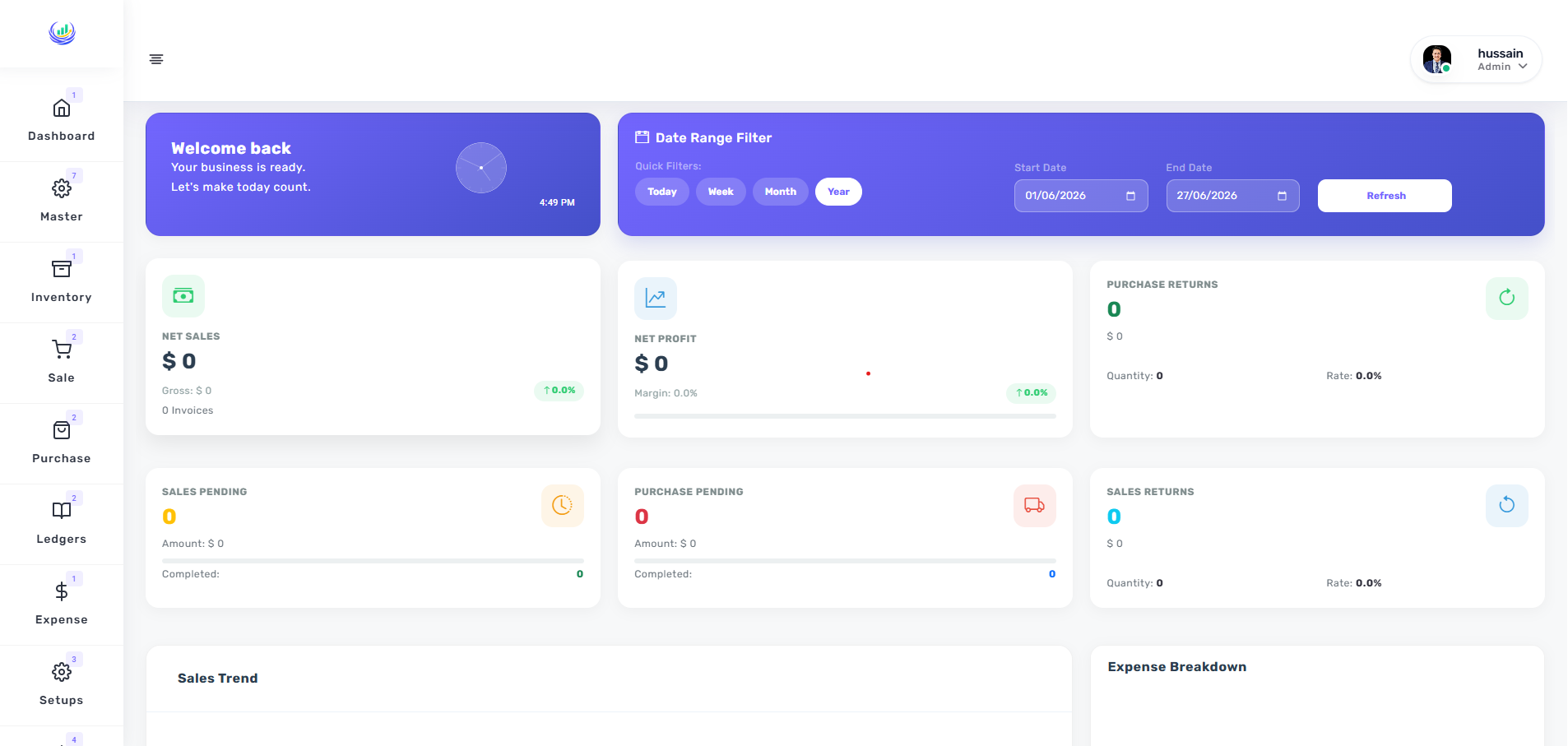
How SalesNest connects your business operations
Every action in SalesNest updates the next part of your business automatically, eliminating the need for manual data entry between departments.
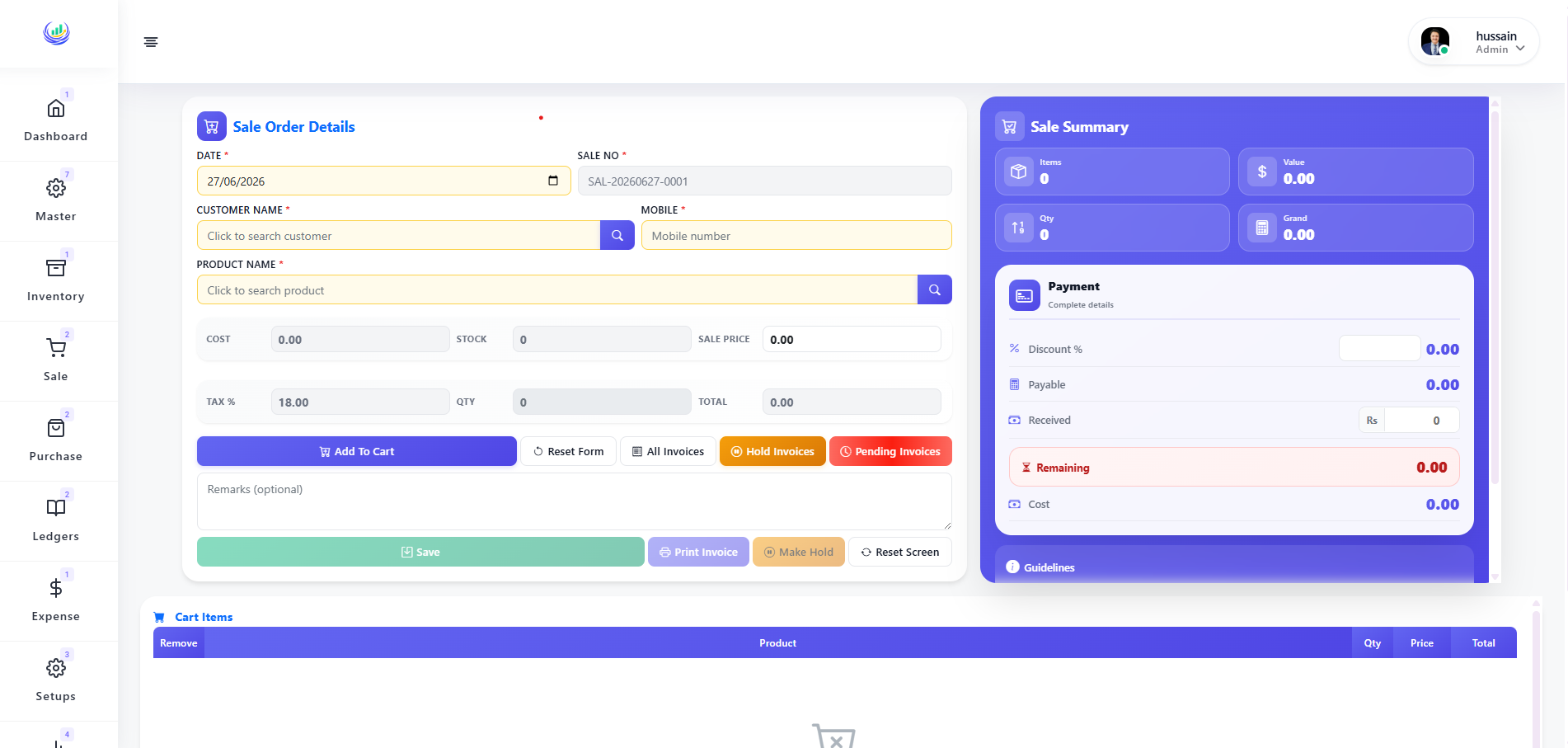
Sales & Revenue Management
Designed for cashiers processing high volumes, SalesNest accelerates checkout by handling partial payments, applying discounts, and generating printable invoices from a single interface.
- Invoice creation and management
- Partial payment tracking
- Discount and pricing control
- Printable sales receipts
Inventory & Stock Control
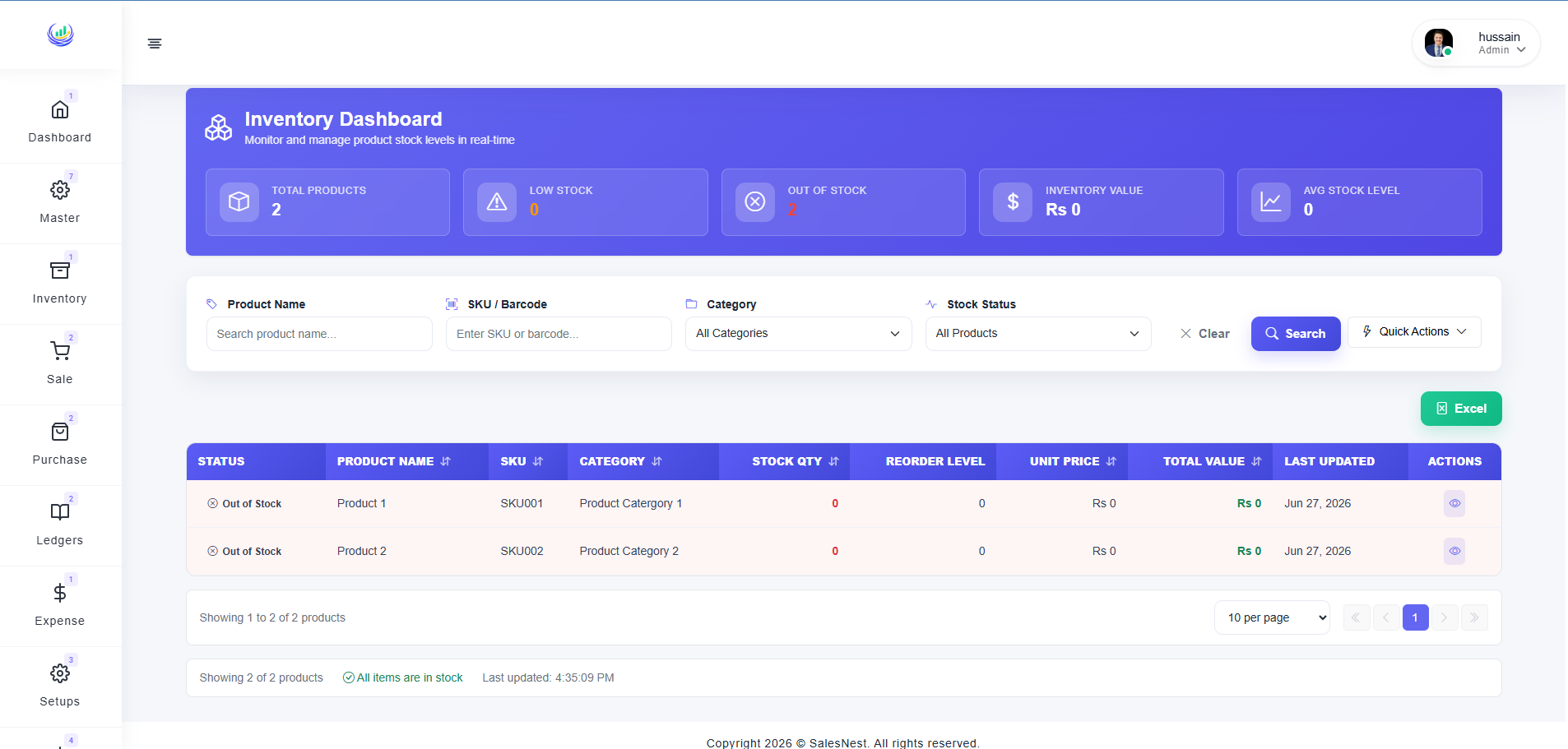
Designed for stock managers preventing shrinkage, SalesNest tracks every product across multiple warehouses in real time, updating quantities automatically after every sale and purchase.
- Real-time stock visibility
- Multi-warehouse support
- Low-stock and out-of-stock alerts
- Inventory value reporting
Customer & Supplier Ledgers
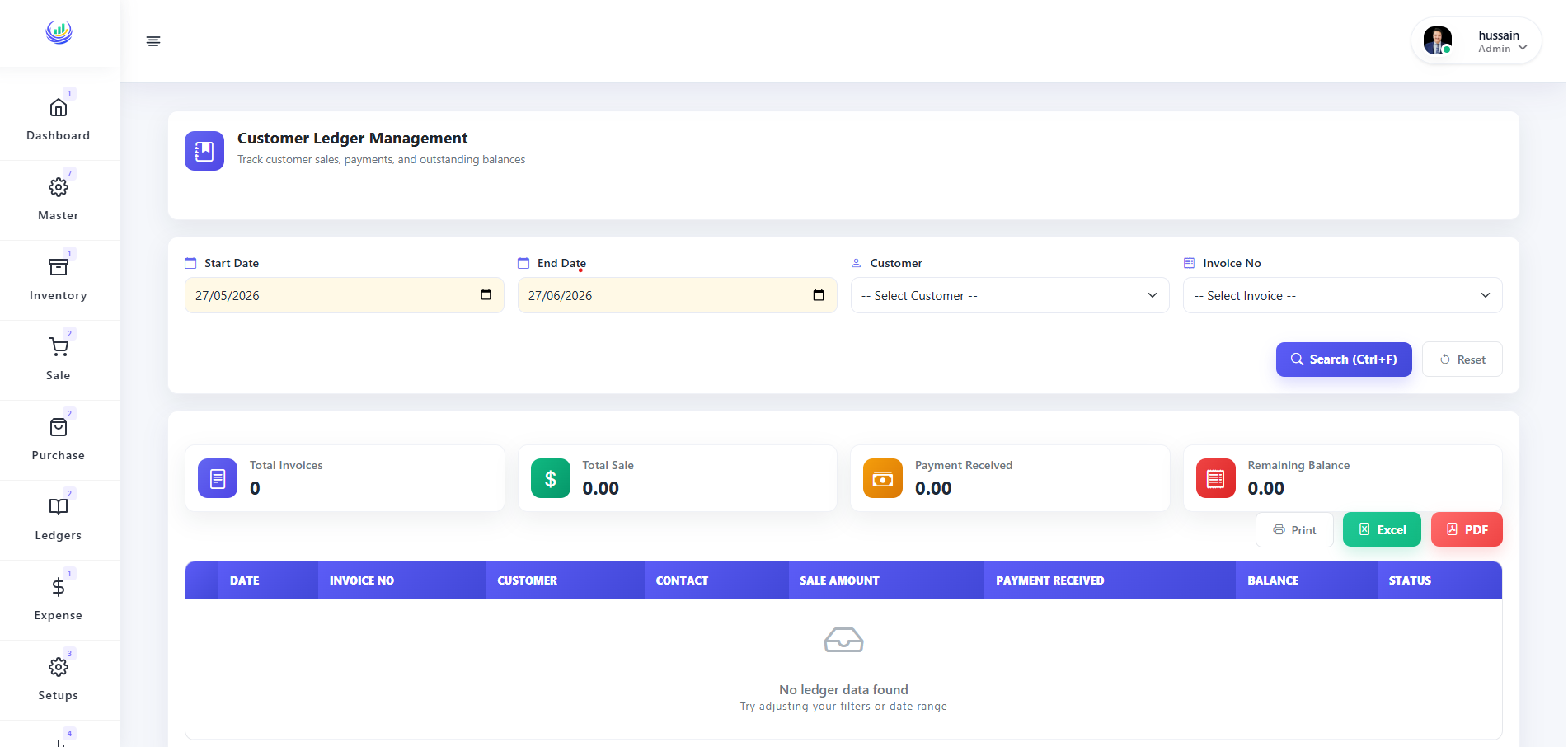
Designed for bookkeepers who need accuracy, SalesNest maintains an up-to-date record of what every customer owes and what you owe each supplier, fully integrating with sales and purchases.
- Customer receivable management
- Supplier payable tracking
- Invoice-level balance records
- Exportable ledger statements
Business Reports & Analytics
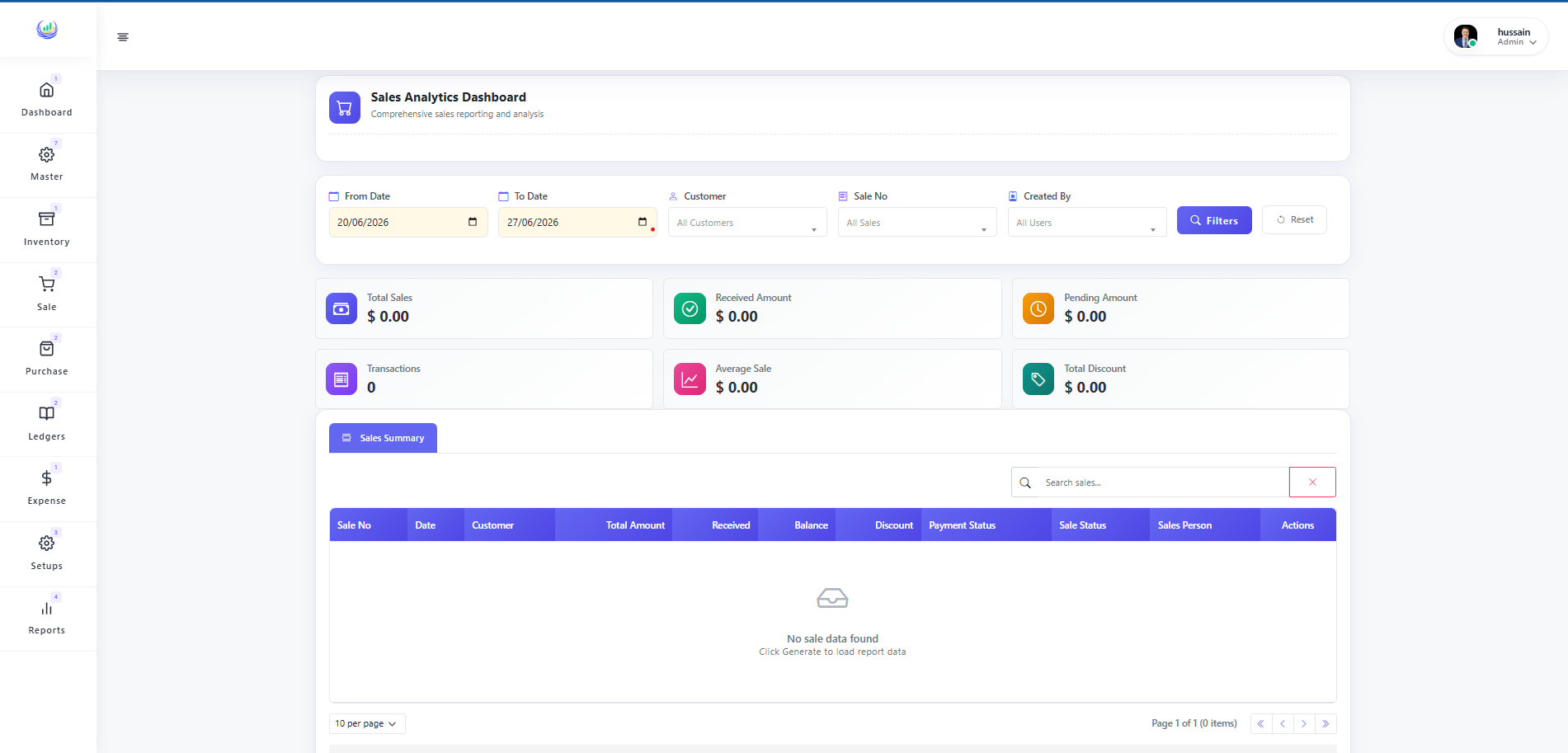
Designed for owners who require daily insights, SalesNest filters reports by date, product, customer, or user and exports exactly what you need for decision-making.
- Sales and purchase reporting
- Returns and expense analysis
- User activity tracking
- Excel, PDF, and print export
Compare SalesNest Web and Desktop
Choose SalesNest Web for multi-device access without installation, or choose SalesNest Desktop for dedicated, hardware-integrated counter performance.
Frequently asked questions about SalesNest deployment
Do I need to choose between SalesNest Web and Desktop?
SalesNest Web and Desktop connect to the same central database, allowing you to use both simultaneously. You can install the Desktop app at your store counters while using the Web version from your office laptop to check reports.
Which version of SalesNest is best for thermal receipt printers?
SalesNest Desktop is the better option for integrating with local hardware. It communicates directly with standard thermal receipt printers, bypassing the standard browser print dialog that slows down web checkouts.
Can SalesNest Web work without an internet connection?
SalesNest Web requires an active internet connection to synchronize data. If your business experiences frequent internet outages, SalesNest Web will not function properly during those disconnected periods.
What operating systems are supported by SalesNest Desktop?
SalesNest Desktop is a dedicated Windows application compatible with Windows 10 and Windows 11 PCs. Users requiring Mac or Linux access should choose the SalesNest Web application.
How are software updates handled on SalesNest Desktop?
SalesNest Desktop checks for updates upon launch and prompts the user to install new versions. In contrast, SalesNest Web updates automatically without requiring any user intervention or manual downloads.
Find the right solution for your business
Let our team understand your workflow and recommend the setup that will make the biggest difference for your daily operations.
Request a free demo